Search
One search box indexes everything — players, games, groups, and places. Tap the search bar on the Home header, type a few letters, and jump straight to whatever (or whoever) you're looking for.
Search everything#
Tap the search bar at the top of Home (or the search action in the header) and start typing. Results are grouped by type — Players, Groups, and more — so a single query like “badminton” surfaces nearby badminton players, open badminton games, badminton groups, and badminton courts in one scroll.
- 1
Tap the search bar on the Home header.
- 2
Type a name, sport, or place — results update as you type.
- 3
Scan the grouped results.
Players show their name and location; groups show their sport and member count; games and places show their sport and distance. - 4
Tap a result to open its profile, detail, or map card.
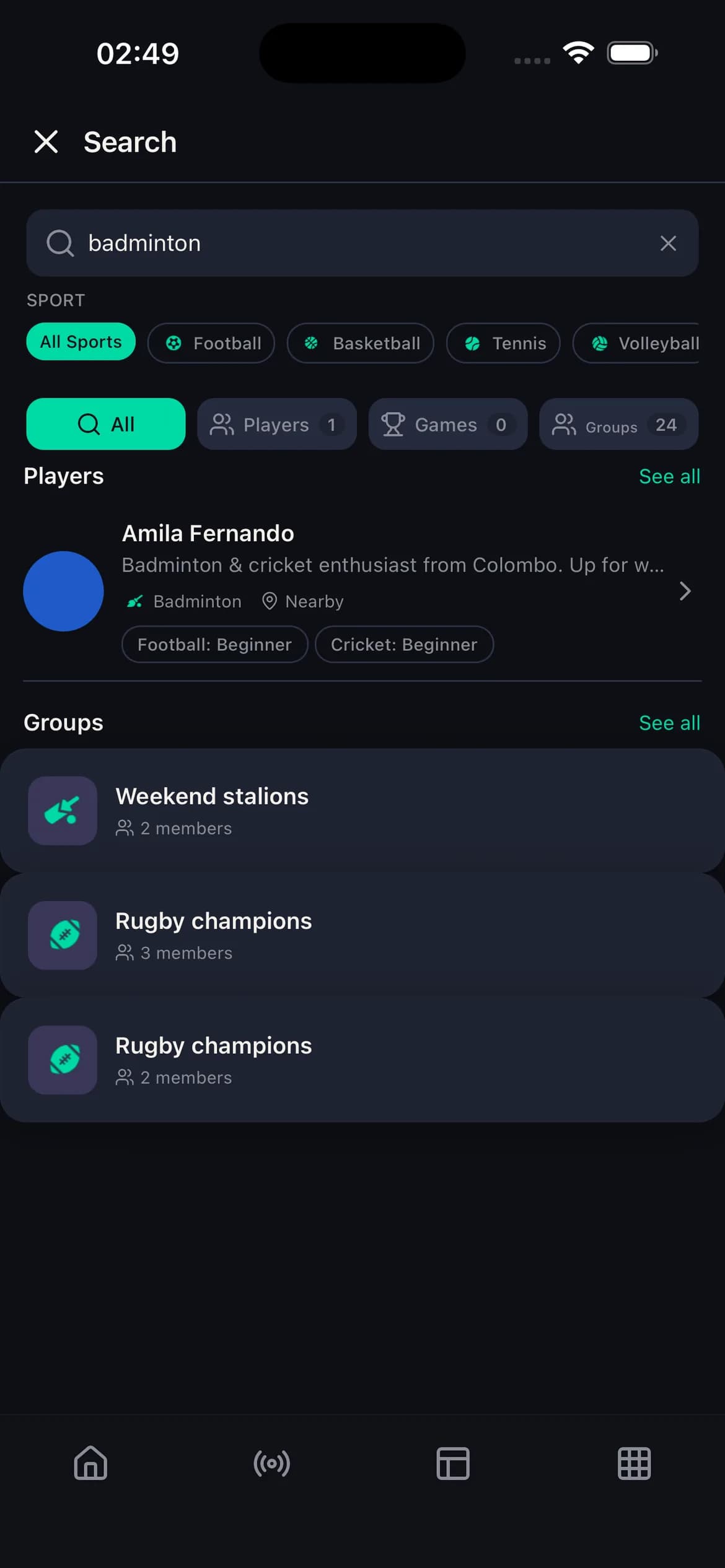
Filter chips sit right under the search bar. Tap a sport — Cricket, Badminton, Football, and more — to narrow results to that sport only. Tap it again to clear the filter and see everything.
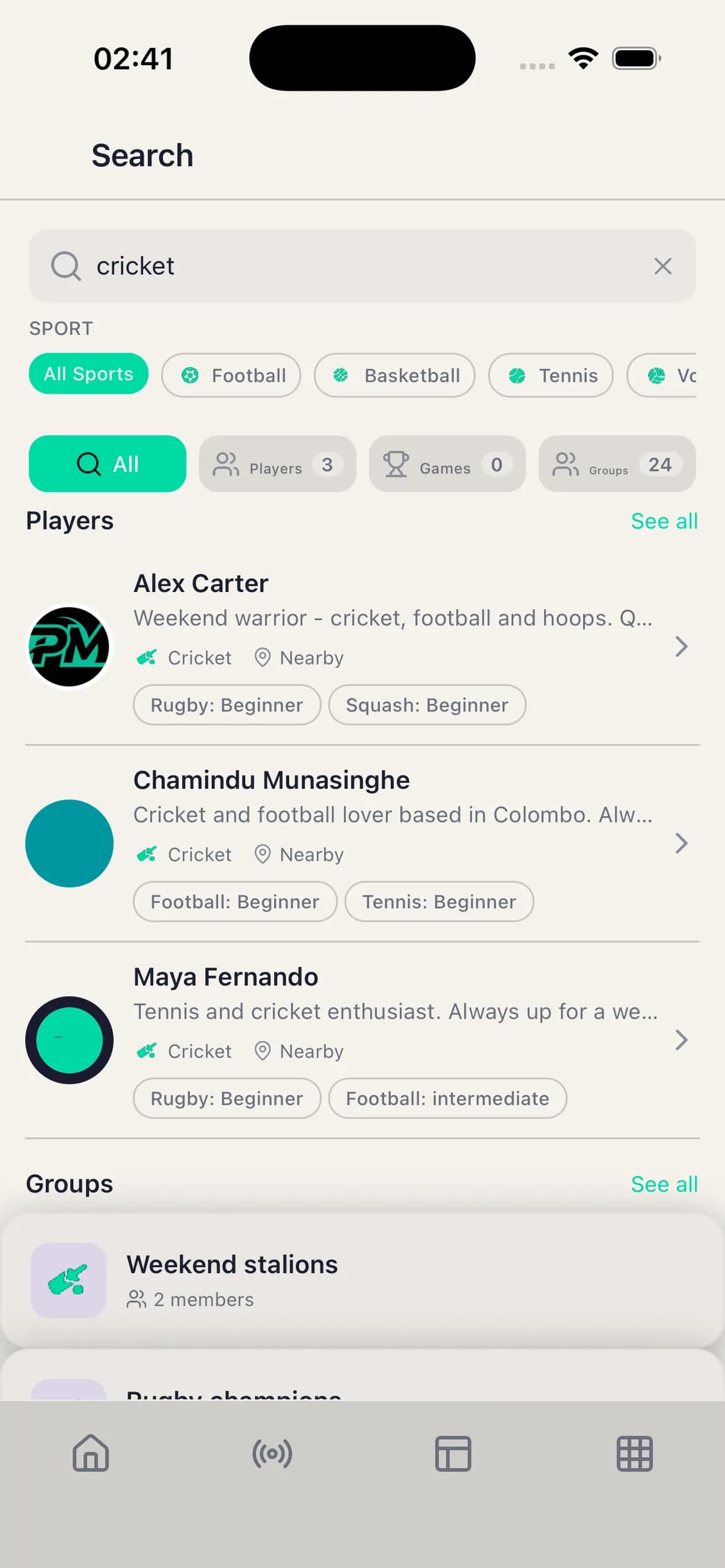
- Looking for a specific person? Search their name, then tap Follow or Message straight from their profile — see Start a new chat.
- Found your crew? Join the group from search and the group chat opens to you instantly.
- Need a venue? Search the sport and check the places results, or browse venues on the Radar.
Search is global
Search reaches beyond your radius — handy when you're planning to play in another part of town. The Radar remains your tool for what's immediately around you right now.